Details
- Type: Hybrid Canvas Course
- Audience: K–12 teachers with varying levels of tech experience
- Client: Schools implementing PowerSchool for the first time
Tools
- Canvas
- Kaltura Capture
- Canva
Skills
- ADDIE model
- Universal design for learning (UDL)
- Video creation


The Problem
As a school prepared to implement PowerSchool for the first time, administrators requested an online training solution that would prepare teachers to confidently navigate the new system. Previous technology systems had left teachers feeling overwhelmed and unsupported.
The client wanted:
- A training that encouraged collaboration and peer support among staff
- A flexible online training that teachers could complete before the first day of school
- An approach that supported teachers at different comfort and experience levels with technology
The Solution
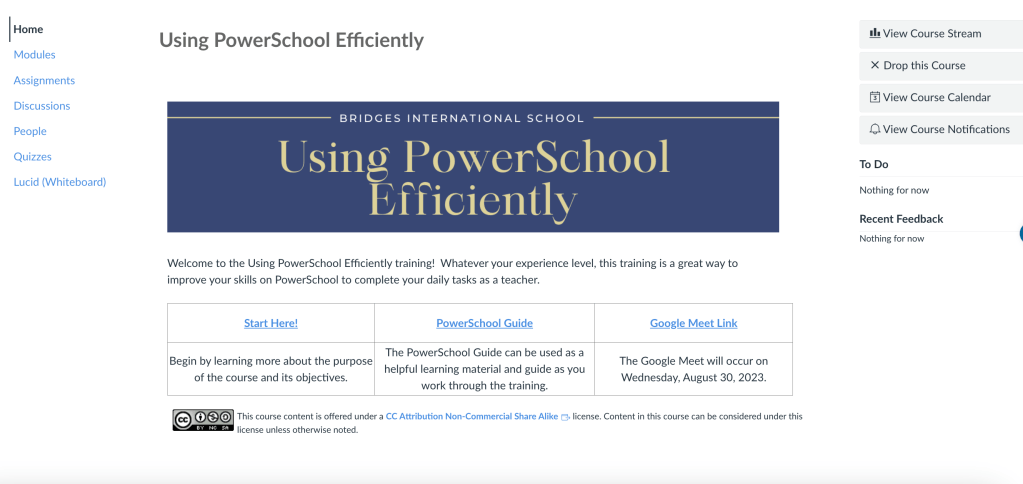
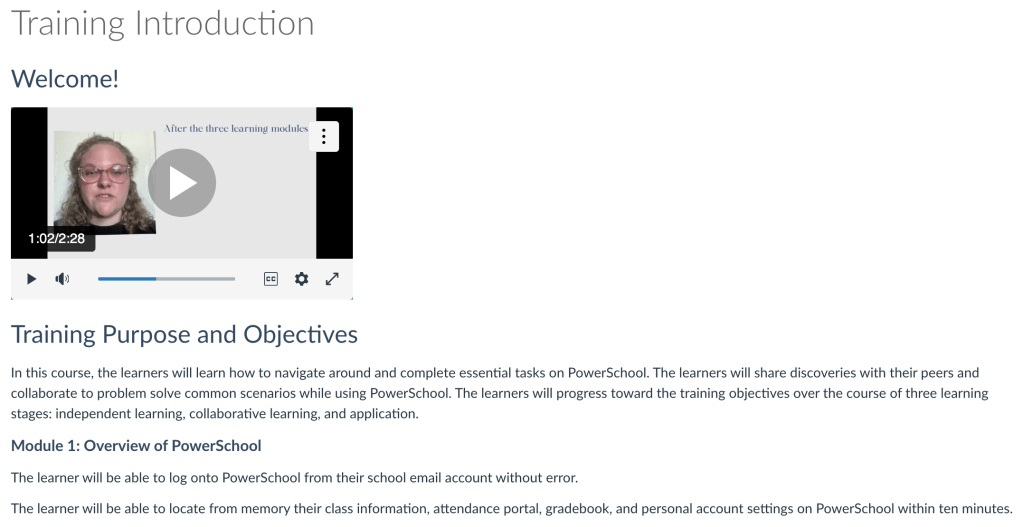
To support teachers in building confidence and efficiency with PowerSchool before the school year began, I designed a three-stage online training experience that was flexible, accessible, and focused on meaningful application.
The training included:
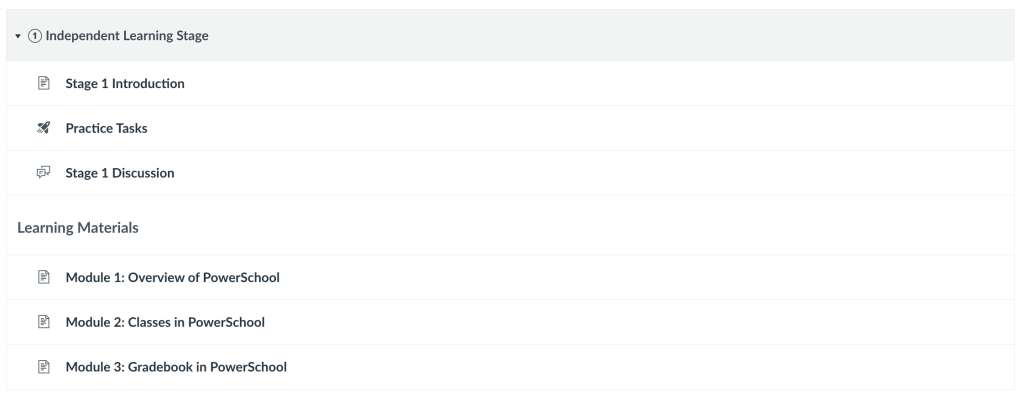
- Independent Learning Stage: Teachers completed an initial PowerSchool task to gauge their familiarity and were then offered optional, curated learning resources (video demos, quick reference guides, and tips) based on their needs.
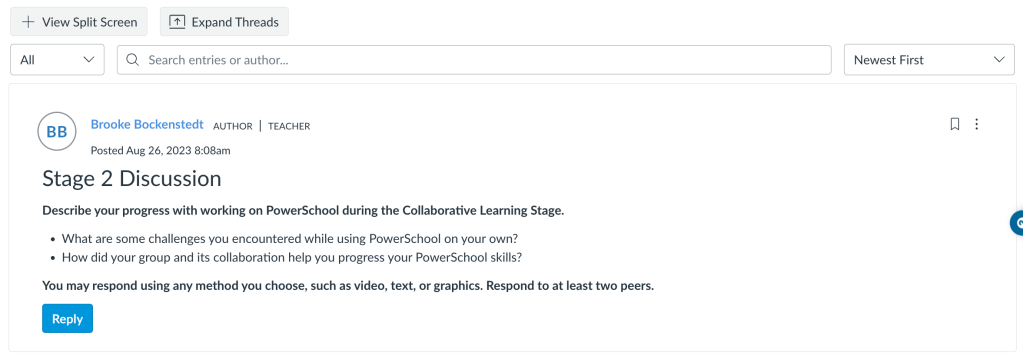
- Collaborative Learning Stage: A live Google Meet session allowed teachers to troubleshoot together, share strategies, and ask real-time questions, promoting community learning and reducing tech anxiety.
- Application Stage: Teachers demonstrated their understanding by completing a practical, real-world PowerSchool task and submitting evidence of their learning through Canvas.
This solution empowered teachers to engage at their own pace, collaborate with peers, and practice in a safe environment, which set them up for success using the PowerSchool system.
The Process
To ensure that the course met client and learner needs and resulted in successful outcomes, I followed the ADDIE Model and embedded Universal Design for Learning (UDL) principles.
Analyze: I conducted a learner analysis by asking teachers about their experiences with technology and time-constraints. Through this, I identified that teachers had varying comfort levels with technology, and some teachers had already used PowerSchool. This indicated to me that the training needed to be flexible for the various experience levels as well as give teachers applicable learning scenarios to replicate using the system.
Design: The course was structured into three different learning stages to give teachers flexibility, practical application, and collaborative support as they learned PowerSchool. To support all learners, I applied the Universal Design for Learning (UDL) framework by offering multiple ways to access content, express understanding, and stay engaged. Teachers could choose how they interacted with the material, through video tutorials, written guides, or visuals, and how they demonstrated learning, using formats that matched their preferences. This flexibility made the training more inclusive and relevant for a wide range of experience levels.
Develop: I used Canvas to design a course flow that guided teachers step-by-step through learning PowerSchool. Kaltura Capture was used to create instructional videos demonstrating system navigation and key tasks, ensuring teachers could follow along visually.
Implement: The training was launched two weeks before the school year. Teachers completed the independent stage asynchronously, then joined the collaborative session during pre-service week. The final task was due before the first day of school. Discussion groups and online support were available for any problems that occurred.
Evaluate: A final reflection form and embedded knowledge checks captured learner confidence, usability of the training, and specific areas that might need further support. To evaluate the effectiveness of the training, teachers were asked to complete a survey after the first month of school.

